

Streaming TV Channel Creators — Launch Apple TV, Roku & Fire TV channels fast Skip to content
Creator-first channel builder • Publish-ready deliverables

Launch streaming TV channels that feel native on Apple TV, Roku & Fire TV.

Connect Vimeo, feeds, HLS live streams, and your CDN—then design the experience, preview it, and publish. No re-uploading. No custom dev backlog.

Start free trial Sign up with Vimeo
No credit card required • Cancel anytime
Days
from idea to submission-ready build
1 feed
single source for metadata & UI
3 platforms
Apple TV, Roku, Fire TV
Live Preview • TV UI
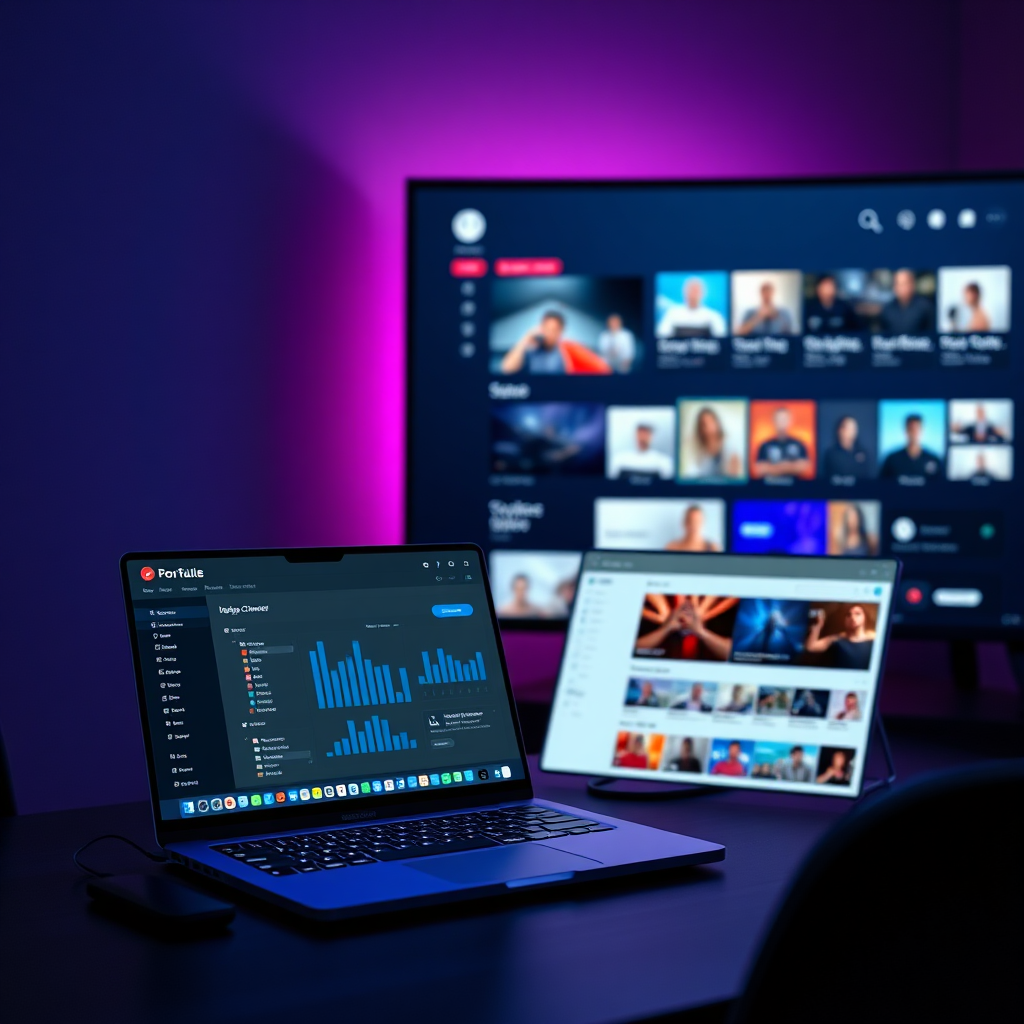
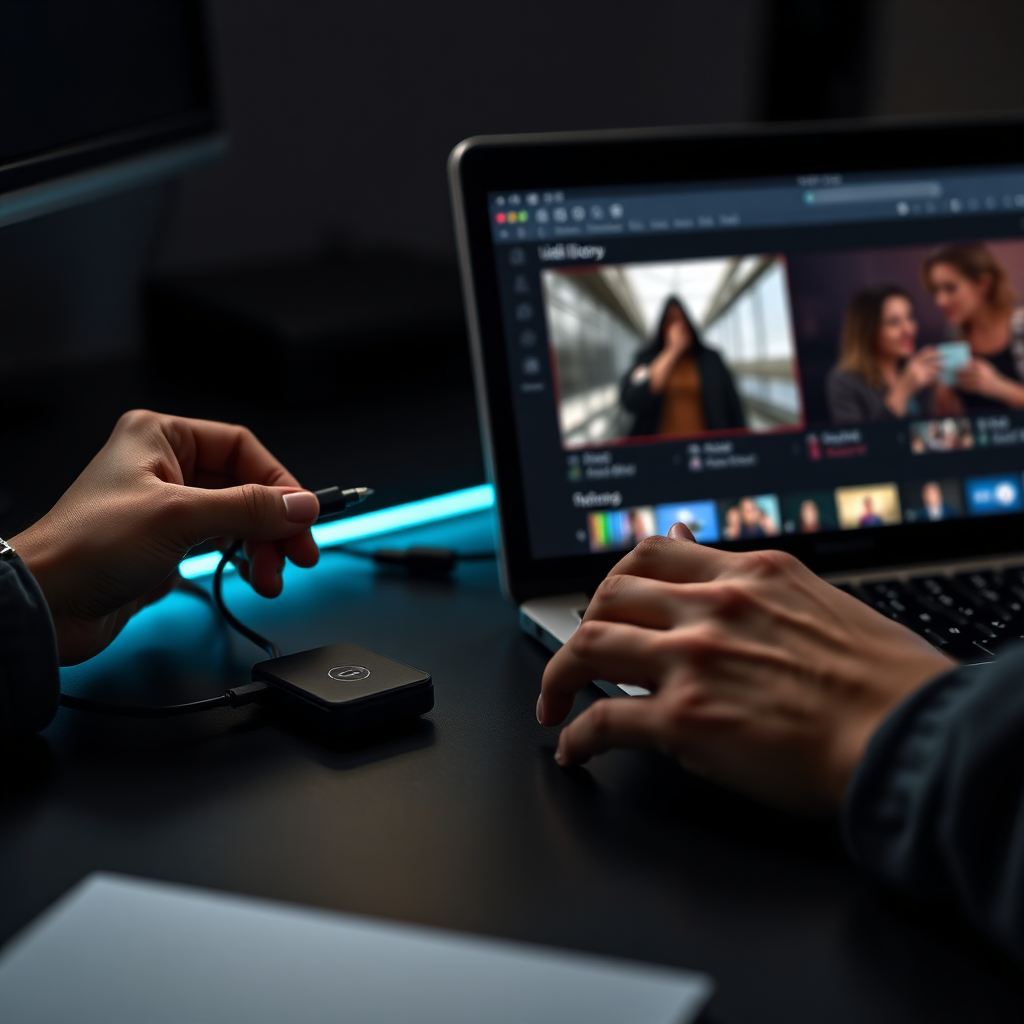
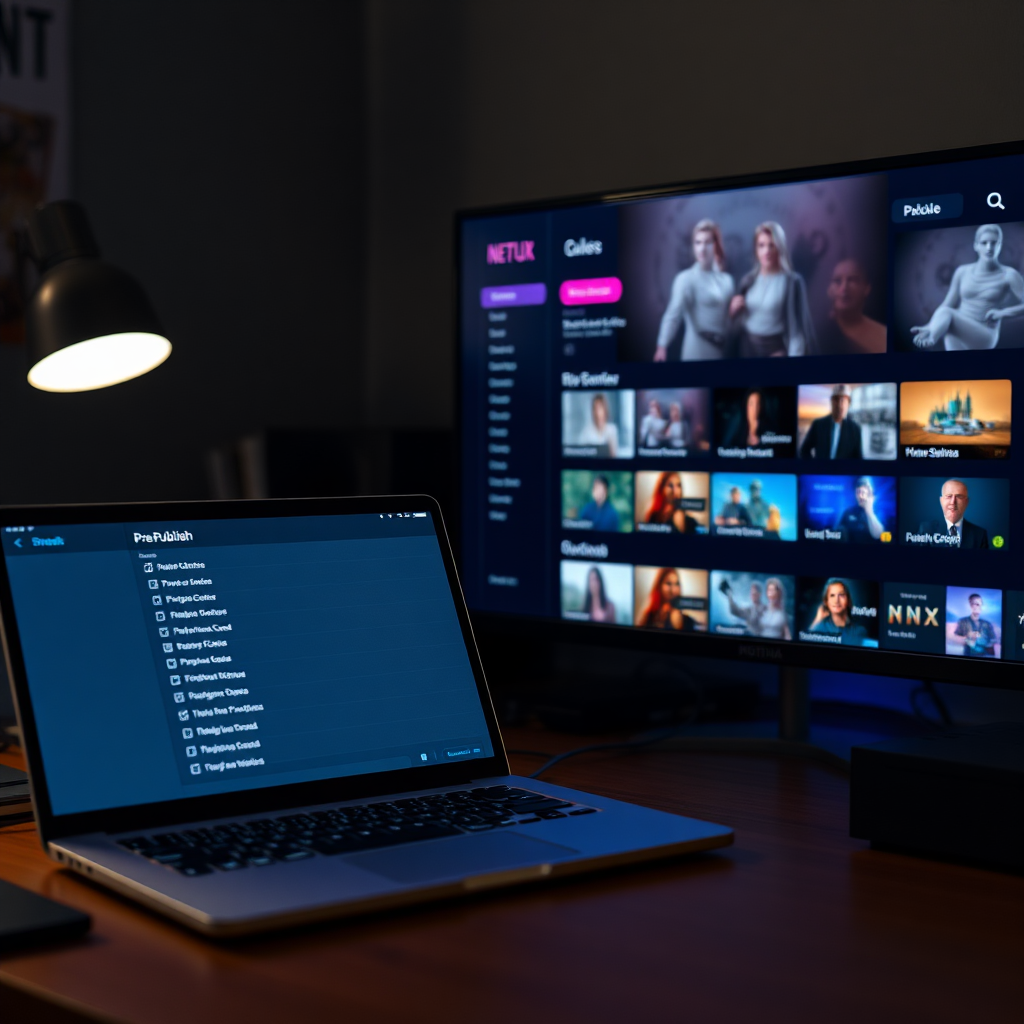
Product preview of a streaming channel builder dashboard transitioning into a TV interface preview with shelves, thumbnails, and device badges
Apple TV
App Store-ready
Roku
Feed-driven
Fire TV
Fast publish
Trusted by creators shipping weekly.

A builder-style workflow for teams that want control, speed, and repeatable releases.

StudioOps
FaithStream
LocalSports+
EduNow TV
Example logos for layout only — replace with your partners.
Apple TV
Publish to tvOS with a premium TV-first UI.
Featured shelves
Preview on device • App Store deliverables
Roku
Feed-driven navigation and metadata mapping.
One feed
MRSS/JSON • Fast iteration
Fire TV
Deploy quickly with consistent content inputs.
Quick ship
Roku/Fire TV ready pipeline
The fastest path from library to living room.

A creator tool you can operate daily—clean inputs, repeatable outputs, and a UI your audience recognizes instantly.

Works with Vimeo, your CDN, MRSS/JSON feeds, and HLS live.
Launch in days
Ship updates without a rewrite.
  • Builder-driven layouts: shelves, categories, featured rows.
  • Preview before you submit: fewer review loops.
  • Release-ready deliverables for your publishing steps.
No coding
A UI built for operators.
  • Visual configuration for screens, navigation, and artwork.
  • Guardrails for metadata and required fields.
  • Docs-style clarity for teams and handoffs.
No re-uploading
Keep your existing stack.
  • Connect Vimeo libraries and collections.
  • Use feeds (MRSS/JSON) as the content source.
  • Bring HLS live and VOD URLs directly.
Choose your content source. Keep your workflow.

Bring content in the format you already have—then map metadata once and reuse it across devices.

View integration diagram
Vimeo library sync

Link your Vimeo account, pick collections, and keep artwork + metadata in sync.

OAuth
Required inputs
  • Vimeo account connection
  • Collection(s) or folders
  • Artwork rules (poster, backdrop)
Tip: You can mix sources—use Vimeo for VOD and HLS for live events.
Input → Map → Publish
A clean pipeline that keeps your content ownership intact.
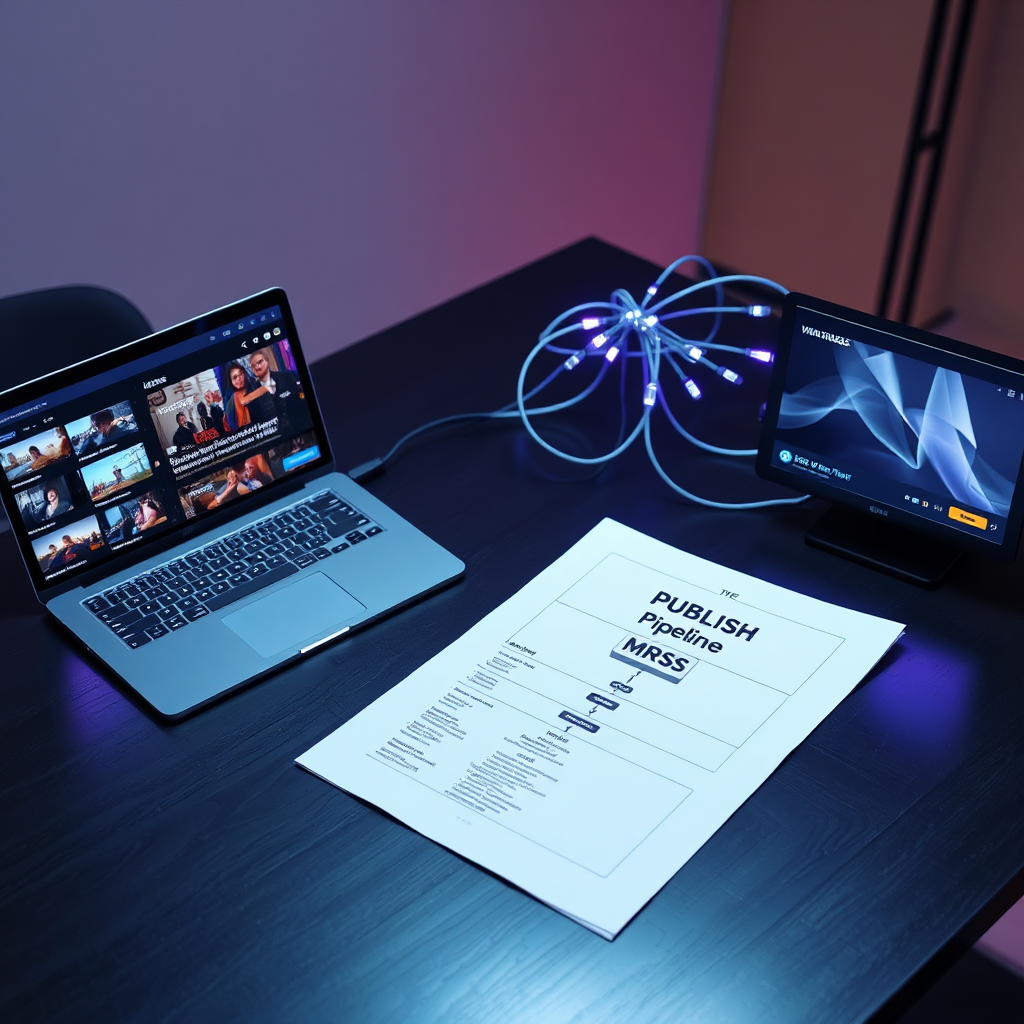
Diagram showing content sources (Vimeo, JSON/MRSS, URLs, HLS Live) flowing into a mapping step and publishing to Apple TV, Roku, and Fire TV
Metadata guardrails

Enforce required fields (artwork ratios, descriptions, categories) before you publish.

Reusable templates

Save layouts, shelf patterns, and styling rules for consistent season drops.

Stop treating TV apps like one-off projects.

Creators ship on cadence. Your channel should too—without rebuilding your pipeline each time.

Compare plans
Old way
8–16 weeks
  • Start from scratch per platform and per release.
  • Re-upload content to match someone else’s requirements.
  • Hard-to-maintain custom code for UI + feeds.
  • Review loops triggered by missing metadata.
High dev cost Risky handoffs Slow iteration
New way with our builder
3–10 days
  • One pipeline: content source → mapping → publish.
  • Keep Vimeo/CDN as source-of-truth (no re-upload).
  • TV UI that’s configurable, not custom-coded each time.
  • Metadata checks before submission—fewer surprises.
Repeatable releases Operator-friendly Faster time-to-TV
Want a precise launch timeline? Tell us your catalog size, content source, and whether you need live streams.
See pricing
Apple TV Builder • tvOS UI that feels native
Design your channel like a product.

Control shelves, hero rows, and detail screens with a visual builder—then preview before submission.

Customize the TV UI
Configure featured rows, categories, collections, and artwork rules.
Preview on device
See the experience before you ship—reduce review cycles and surprises.
Publishing deliverables
Generate submission-ready assets and configuration packages for your release process.
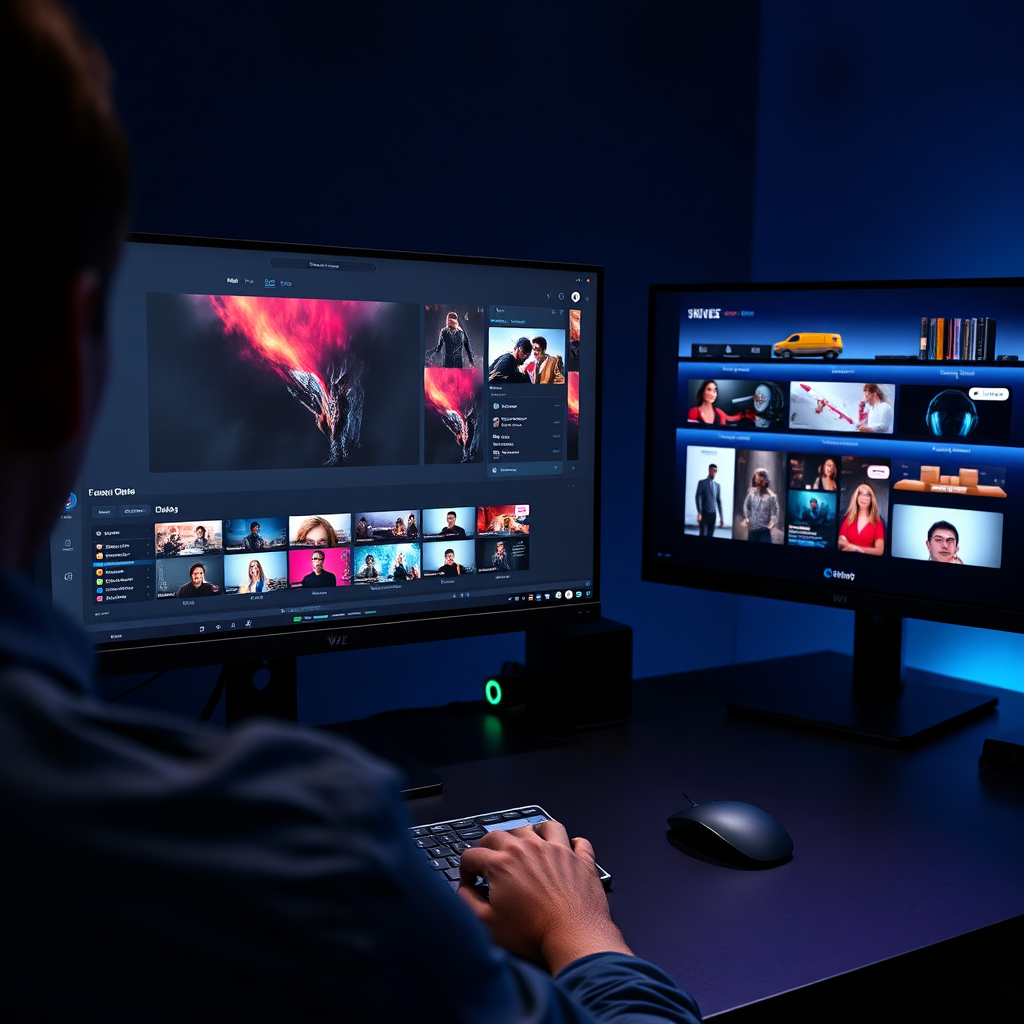
Screenshot-style image of an Apple TV channel visual builder with layout controls, shelves, artwork previews, and a TV screen preview panel
Controls
Layout + styling
Validation
Artwork ratios
Preview
TV-first UI
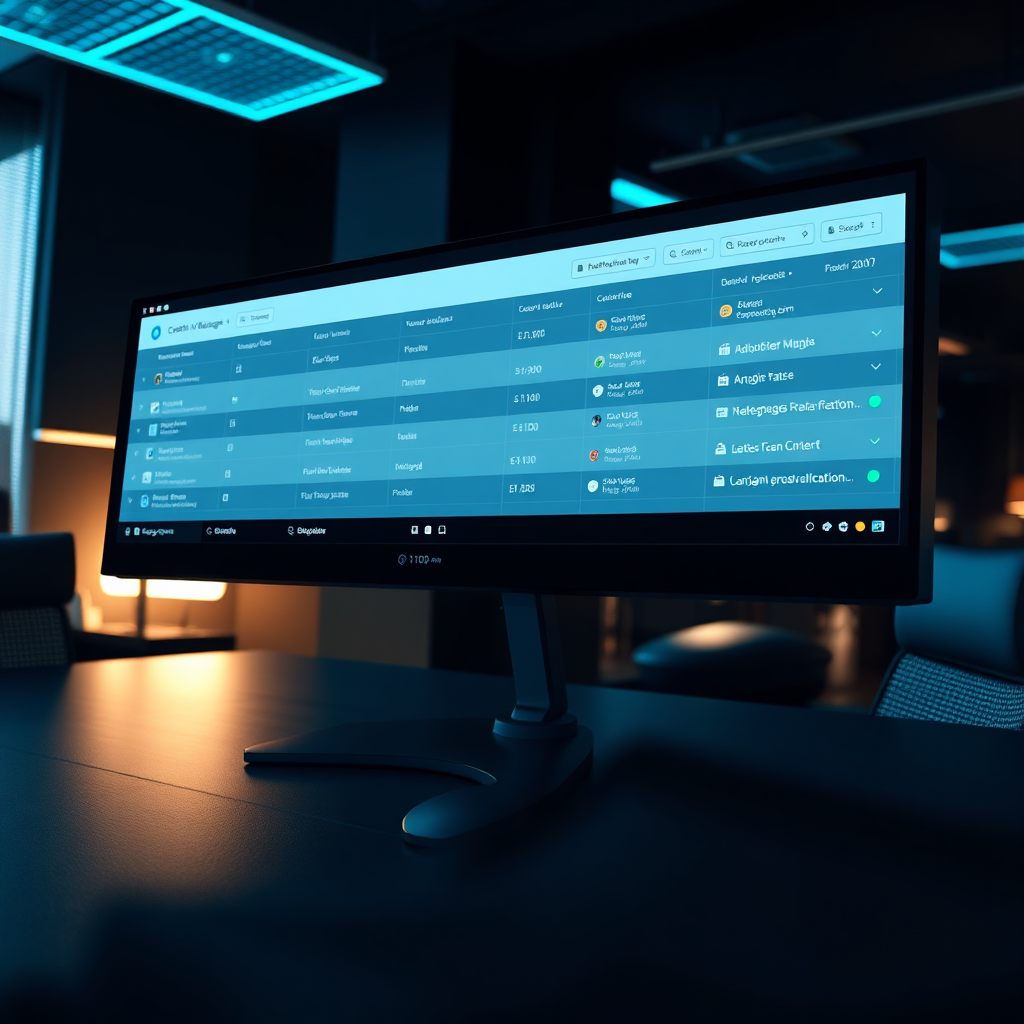
Screenshot-style image of a feed manager dashboard showing items, metadata fields, mapping rules, sync status, and validation warnings
Auto-sync Fast search Validation Roku/Fire TV ready
Feed Manager • content ops control
One feed. Clean metadata. Faster approvals.

Treat your catalog like an evolving dataset. Sync content, fix issues, and optimize artwork once—then reuse across platforms.

  • Single source of truth for titles, descriptions, seasons, and categories.
  • Metadata mapping for MRSS/JSON fields and custom tags.
  • Sync on your schedule with change visibility.
  • Optimization for artwork rules and shelf placement.
Roku / Fire TV ready
Publish consistent structures and playback rules without reformatting for each device family.
A simple 3-step launch flow.

Designed for repeatable releases—season drops, weekly sermons, tournament weekends, conference replays.

Start my free trial
1
Connect content
Vimeo, feeds, URLs, or HLS live.
Small UI thumbnail showing connecting Vimeo and feed sources in a dashboard
2
Map + design
Metadata, shelves, artwork, navigation.
Small UI thumbnail showing metadata mapping and TV shelf layout configuration
3
Preview + publish
Generate deliverables, submit with confidence.
Small UI thumbnail showing a TV preview on the right and publish checklist on the left
Submission checklist included
A practical, repeatable checklist for artwork, metadata, and platform requirements.
Start trial
Integrations that respect your stack.

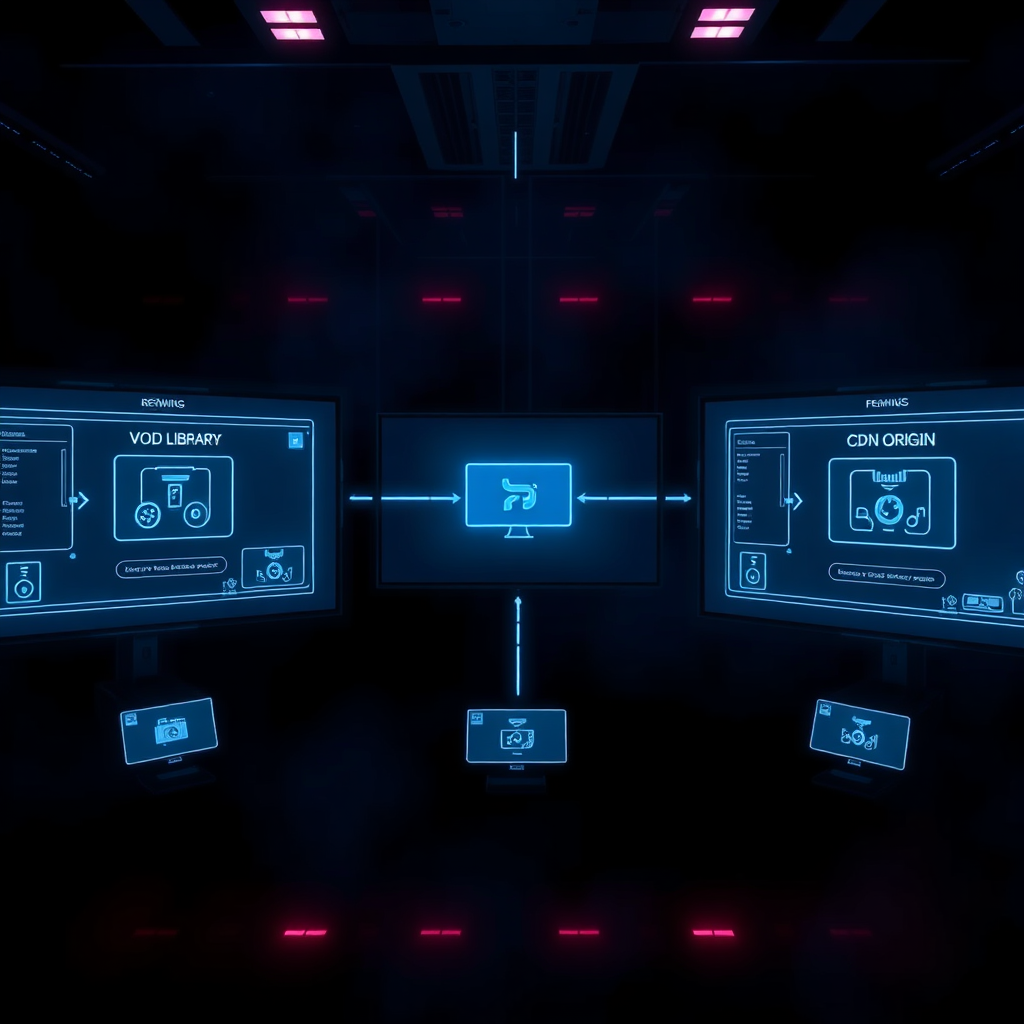
Vimeo, HLS live, and CDN playback can all feed the same publishing pipeline—so you stop rebuilding your channel per platform.

Dark-mode integration diagram showing Vimeo, HLS Live, and CDN feeding a builder pipeline, outputting to Apple TV, Roku, and Fire TV with glowing connector lines
Integration list

Common inputs we support out of the box.

Vimeo
Libraries, collections, metadata sync
HLS Live
Events + 24/7 streams
CDN / Origin
Bring your own playback URLs
MRSS / JSON
Mapping + validation
Built for real creator niches.

Not an agency deliverable—an operator tool for teams who publish consistently.

Talk to sales
Churches

Deliver sermons and events to the living room with a clean archive.

Sports

Live + VOD highlights with schedules and season collections.

Conferences

Session tracks, speakers, and replays—organized for TV browsing.

Education

Courses and lesson shelves with clean metadata and searchability.

Brands & agencies

Create premium channels without rebuilding for every client.

Local TV / radio

Modernize distribution with VOD libraries and live programming.

Creators who ship talk about speed.

A builder should make releases boring—in the best way.

Headshot of a creator operations lead
Jordan Lee
Operations Lead • FaithStream

“We stopped treating releases like projects. The builder made it routine—connect Vimeo, validate metadata, preview, publish.”

Cut launch time by ~60% Fewer review resubmits

Headshot of a sports media producer
Alex Rivera
Producer • LocalSports+

“The feed manager is the difference. We can fix metadata and shelves quickly, and it propagates to Roku and Fire TV without chaos.”

Weekly updates Higher content completion
Headshot of a brand content director
Morgan Chen
Content Director • StudioOps

“It feels like a creator tool. Clean guardrails, fast previews, and a UI we can actually operate without dev tickets.”

Faster iteration Easier team handoffs
Pricing built for creators who publish.

Start small, ship fast, and upgrade when you need multiple channels, custom workflows, or enterprise controls.

Note
Vimeo sign-up supported • No credit card required to start
Starter
For small catalogs and first launches.
1 channel
$99/mo
Billed monthly. Cancel anytime.
  • Vimeo connection
  • Feed import (MRSS/JSON)
  • Basic layouts + validation
  • Publishing checklist
Start free
Great for pilots and MVPs.
Pro
For teams shipping regularly.
Most popular
$249/mo
Best for multi-platform publishing.
  • Apple TV + Roku + Fire TV outputs
  • Advanced feed manager
  • Reusable layout templates
  • HLS live support
  • Priority support
Start free
Ideal for weekly or seasonal releases.
Enterprise
For networks and multi-brand ops.
Controls
Custom
SLA, SSO, and tailored workflows.
  • Multiple channels + environments
  • SSO (SAML/OIDC) + roles
  • Custom integrations and mapping rules
  • Dedicated onboarding + support
Contact sales
Best for large catalogs and compliance needs.
Start building today — no credit card required.

Connect your content source, generate a TV UI preview, and see how your channel will look across platforms before you commit.

Step 1
Connect Vimeo or feed
Step 2
Design + validate
Step 3
Preview + publish
Request access

We’ll email setup steps and a launch checklist.

By requesting access, you agree to receive setup emails. Unsubscribe anytime.